
Published by: WorldCupLive.us | Category: IPTV Tips & Troubleshooting
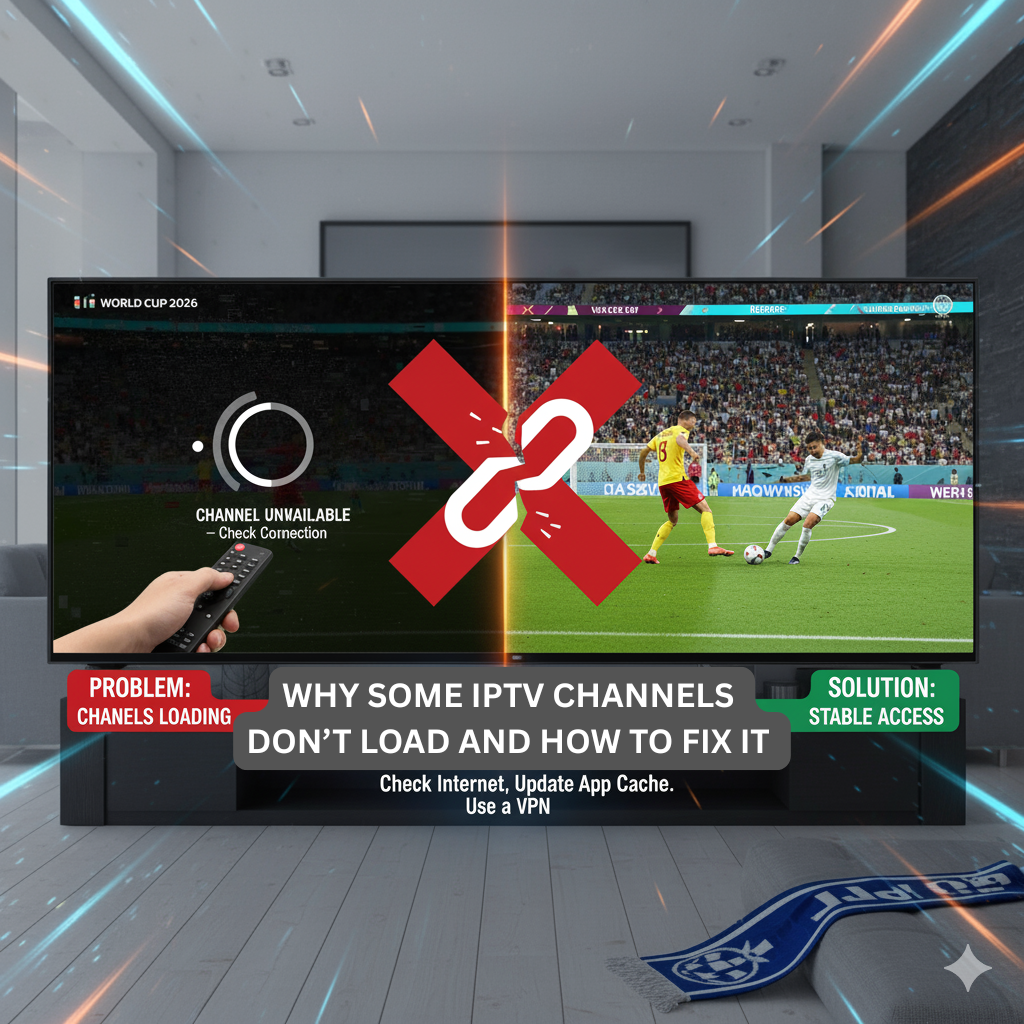
As the World Cup 2026 approaches, millions of football fans are preparing to stream their favorite matches using IPTV services. However, one of the most common and frustrating problems users face is when some channels refuse to load, especially during big matches. If this has ever happened to you, do not worry this guide explains the reasons behind this issue and how to fix it before the tournament starts.
1. Server Overload During Popular Matches
When millions of viewers tune in at the same time to watch major games such as Brazil vs. Argentina or England vs. France, some IPTV servers can become overloaded. This causes delays, buffering, or channels that simply do not load at all.
Solution: Choose a reliable IPTV provider that uses multiple backup servers and load balancing systems. A premium service like WorldCupLive.us ensures that streams remain stable even during peak moments of the World Cup 2026.
2. Outdated M3U Playlist or Expired Links
Sometimes, the reason channels fail to load is simple your M3U playlist or portal link is outdated or expired. IPTV providers regularly update channel URLs to maintain stability and remove dead links. Using an old playlist can lead to missing or non-working channels.
Solution: Always refresh your IPTV playlist before big events. Visit your provider’s dashboard or contact support to get the latest updated list. With WorldCupLive.us, customers receive automatic playlist updates, so you never miss a match.
3. Geo-Restrictions and Regional Blocking
Some channels, especially sports networks broadcasting the World Cup 2026, may be blocked in certain countries due to licensing agreements. For instance, a UK-based channel might not be accessible outside Europe.
Solution: Use a high-quality VPN to bypass these geo-restrictions. Choose a server location that matches the channel’s broadcast region. This way, you can watch any World Cup match no matter where you are located. Remember to connect your VPN before launching your IPTV player.
4. Device Compatibility and App Issues
Smart TVs, Android boxes, and Firesticks each use different IPTV players. If your app crashes or fails to load channels, the problem could be compatibility or a bug in the app itself.
Solution: Update your IPTV app to the latest version, clear the cache, and restart your device. Recommended apps for stable streaming during the World Cup 2026 include TiviMate, Flix IPTV, and SmartOne IPTV. These apps are tested for reliability and high performance during live sports events.
5. Network Firewalls or ISP Blocking
Some internet service providers (ISPs) may throttle or block IPTV connections, especially during high-traffic sports events. Firewalls in routers can also prevent your device from connecting to certain IPTV servers.
Solution: If channels do not load, restart your router and temporarily disable any active firewall. You can also try connecting through a VPN to bypass ISP throttling. A stable VPN connection often restores blocked IPTV streams instantly.
6. Incorrect IPTV Player Settings
Every IPTV player has different settings for buffering, stream format (HLS, MPEGTS, RTMP), and timeouts. If these settings are not configured properly, some streams might not load.
Solution: Inside your IPTV app settings, select HLS as the preferred stream type, increase buffer size to at least 10 seconds, and ensure your timeouts are not too short. These small adjustments can make a big difference in loading performance during live games.
7. Server Maintenance or Provider Downtime
Occasionally, IPTV providers perform maintenance or face temporary server issues. If your channels suddenly disappear but others work fine, it might be temporary downtime.
Solution: Wait a few minutes and check the provider’s announcements or Telegram group for updates. Top providers like WorldCupLive.us always inform users ahead of time about maintenance schedules to avoid disruption during major World Cup matches.
8. Testing with Backup Devices
If your IPTV channels still do not load after applying all fixes, the issue might be with your device itself. Overheating, low memory, or outdated firmware can cause IPTV apps to malfunction.
Solution: Test your IPTV subscription on another device such as a smartphone, tablet, or laptop. If it works fine there, you know the problem lies in your TV or streaming box. Update or reset the device for better performance before the World Cup starts.
Enjoy the World Cup 2026 Without Interruptions
The World Cup 2026 will feature 48 teams competing across the USA, Canada, and Mexico, making it the biggest football event in history. With millions of fans watching live, it is essential to ensure your IPTV setup runs smoothly from day one.
By following the troubleshooting steps above and using a trusted provider like WorldCupLive.us, you can avoid the frustration of missing key moments due to non-loading channels. From the group stages to the final whistle, make sure your streaming experience stays flawless.
Final Words
Nothing is worse than a frozen screen right before your team scores. Do not let that happen during the World Cup 2026. Prepare your IPTV setup, test your channels in advance, and use reliable services designed for high-traffic sports events. Visit WorldCupLive.us today to get your IPTV ready for the most exciting football tournament on earth.