
Buffering can ruin a great IPTV experience. In 2026, with millions of users streaming in HD and 4K, even small drops in connection can cause lag or freezing. This guide explains how to fix IPTV buffering and optimize your setup for smooth, reliable performance — no matter which IPTV service you use.
Why IPTV Buffering Happens
IPTV buffering is usually caused by one of three things: slow internet speed, overloaded servers, or device configuration issues. Before blaming your IPTV provider, it’s important to understand that buffering doesn’t always mean your subscription is bad — it often means your setup needs optimization.
1. Check Your Internet Speed
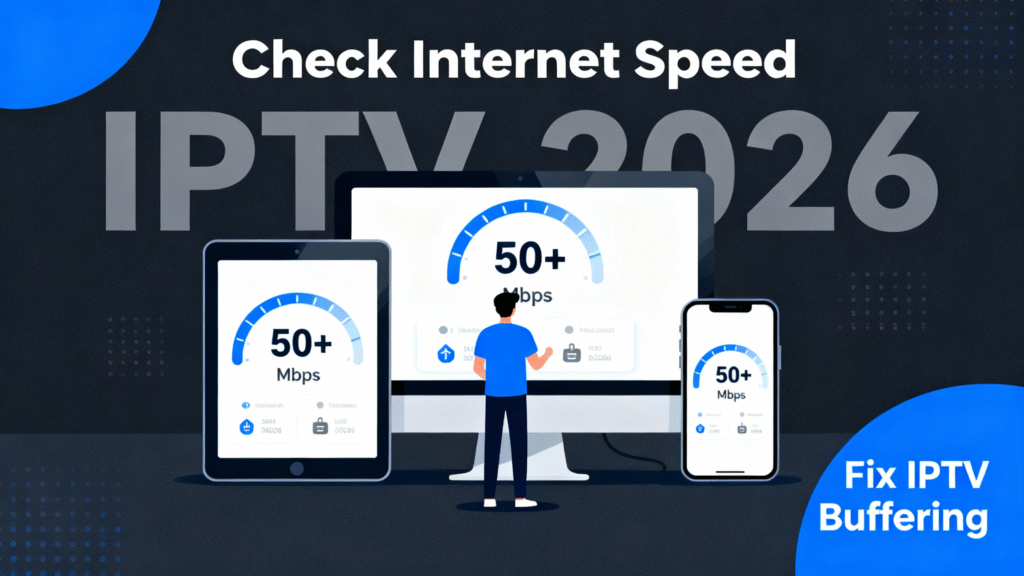
The first step in fixing IPTV buffering is to test your connection. Visit Fast.com or SpeedTest.net to see your real-time speed. For stable IPTV 2026 streaming:
- HD (1080p): Minimum 10–15 Mbps
- 4K: 25–35 Mbps
- Ping: Below 50 ms
If your speed is lower, upgrade your internet plan or use a wired Ethernet connection for better stability.
2. Use a Wired Connection Whenever Possible
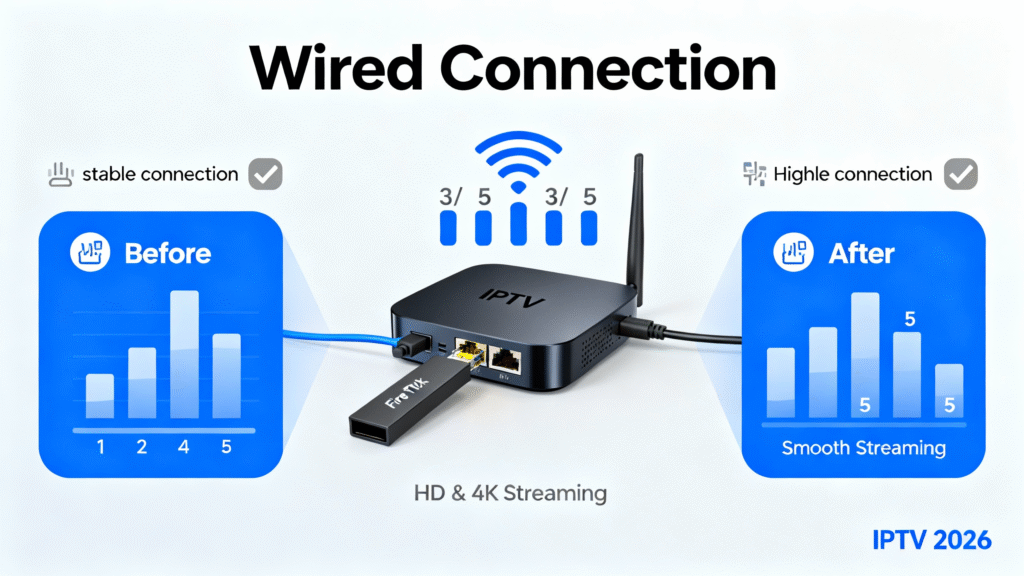
Wi-Fi is convenient, but it’s not always reliable — especially when everyone’s streaming at once. For the best results, connect your IPTV device directly to your router with an Ethernet cable. Fire Stick or Android TV users can use a USB-to-Ethernet adapter for instant improvement.
3. Restart Your Router and IPTV Device
This simple step clears temporary cache and refreshes your network connection. Restart both your router and IPTV box before any major streaming session. It helps reset connections with your IPTV provider and prevents unexpected lag.
4. Clear Cache and Optimize Your IPTV App
IPTV apps like Tivimate, IPTV Smarters, and XCIPTV store temporary data that can slow performance. Regularly clear cache in the app settings to ensure smooth operation. If one stream lags, switch from HLS to TS format or test another player mode.
5. Adjust Buffer Size in Your IPTV Player
Many IPTV apps let you manually adjust the buffer size. Setting it to “Medium” or “Large” creates a short delay before playback starts but prevents interruptions later. It’s a small tweak that makes a big difference in consistency.
6. Limit Network Traffic During Streaming
Streaming works best when your network is free from background tasks. Before watching, pause downloads, updates, or gaming activity. Give your IPTV device top priority on the network for maximum bandwidth and speed.
7. Try Alternative Servers or Channel Links
Quality IPTV providers offer multiple servers per channel. If one stream buffers, switch to another source. This is especially useful when the main server is overloaded during popular events.
8. Use a Reliable VPN to Bypass Throttling
Some ISPs slow IPTV traffic during high-usage hours. A VPN hides your activity and prevents throttling. Choose a fast VPN that supports UDP protocol, such as Surfshark or NordVPN, and connect to a nearby server for optimal performance.
9. Optimize Your Router Settings
Router tweaks can dramatically improve IPTV performance. Here’s what to do:
- Enable QoS (Quality of Service) and prioritize your IPTV device.
- Update router firmware regularly.
- Change DNS to
8.8.8.8(Google) or1.1.1.1(Cloudflare).
These steps reduce packet loss and improve streaming stability for IPTV 2026 and beyond.
10. Choose a Trusted IPTV Provider
Even with perfect settings, unreliable servers can cause buffering. That’s why choosing a provider that uses optimized CDNs and powerful servers is essential. WorldCupLive.us works only with verified IPTV partners that deliver HD and 4K sports streams without lag.
Bonus: Optimize for 4K IPTV Streaming
4K streaming looks amazing, but it demands strong performance. To enjoy ultra HD IPTV:
- Use a device that supports 4K decoding (Fire Stick 4K, Nvidia Shield, or Smart TV 2022+)
- Keep at least 30 Mbps dedicated speed
- Use a short HDMI 2.1 cable for best image quality
When Buffering Is Not Your Fault
Sometimes, buffering happens because the IPTV provider’s server is under heavy load. If every channel buffers even with good internet, the issue is likely server-side. Contact your provider or switch to a service that handles peak traffic better.
Smart Devices and IPTV Performance in 2026
Your device also affects performance. Here’s how to keep it optimized:
- Fire Stick: Close background apps and update software.
- Android Box: Clear cache and restart weekly.
- Smart TV: Turn off power-saving Wi-Fi modes.
- Mobile IPTV: Use 5G or LTE instead of weak Wi-Fi.
Final Thoughts
Fixing IPTV buffering is about preparation and smart setup. By testing your connection, using Ethernet, updating apps, and optimizing router settings, you can enjoy IPTV 2026 without interruptions. With the right provider and a well-tuned system, every stream runs like a dream.