
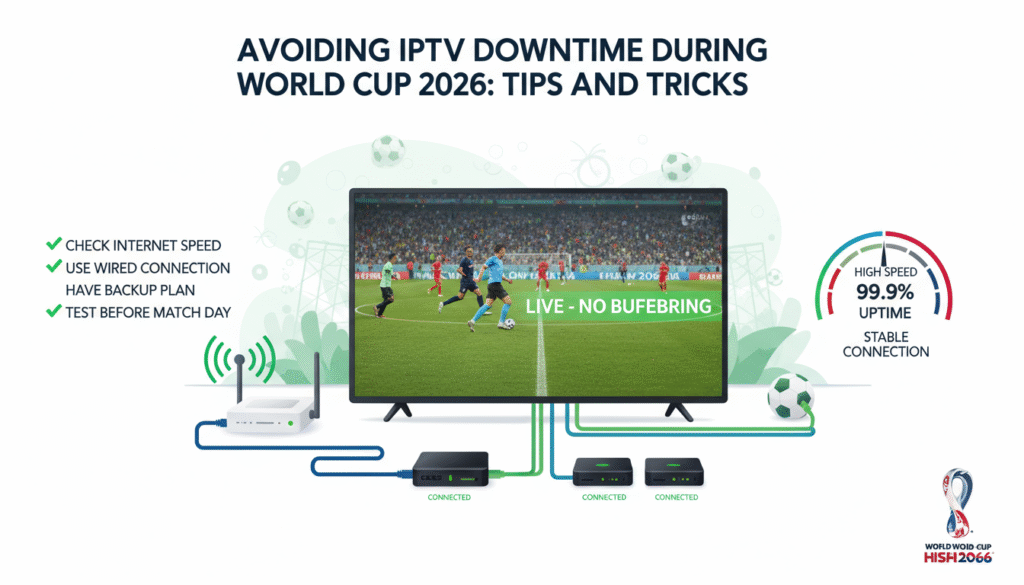
Why IPTV Downtime Happens During Big Events
IPTV downtime usually occurs when too many users connect to the same servers at once. This overloads the provider’s bandwidth, causing lag or total disconnection. Other common reasons include poor internet connections, device overheating, outdated apps, or regional restrictions that affect certain streams.
Since the World Cup 2026 will attract record-breaking viewership, IPTV fans must be ready with the best practices to keep streams stable and reliable. Below are expert tips that will help you maintain smooth performance throughout the entire tournament.
1. Choose a Reliable IPTV Provider
Your IPTV provider is the foundation of your entire streaming experience. A stable and trusted service ensures strong server performance even during peak hours. Many cheap or unverified providers use shared servers that can easily crash during high-demand matches like the final or semifinals.
Always go for a provider that uses multiple servers, advanced load balancing, and global CDN technology. For example, WorldCupLive.us offers worldwide coverage with dedicated sports servers optimized for high-traffic events like the World Cup 2026.
Checklist for a Reliable IPTV Provider
- 24/7 active customer support
- Server uptime above 99 percent
- Multiple mirrors or backup servers
- HD and 4K channel stability
- Secure encrypted streams (HTTPS or SSL)
2. Use Wired Connection Instead of Wi-Fi
Wi-Fi is convenient, but it is also one of the main reasons for unstable IPTV performance. Wireless connections can be affected by signal interference, distance from the router, and other connected devices. For stable streaming during World Cup matches, connect your device directly to your router using an Ethernet cable. This will significantly reduce buffering and packet loss.
3. Optimize Your Internet Speed
Streaming in HD or 4K requires a fast and stable internet connection. For HD content, a minimum of 25 Mbps is recommended, while 4K requires at least 50 Mbps. You can test your speed using websites like Speedtest.net before the matches start. If your speed drops below the required limit, contact your ISP or upgrade your internet plan ahead of time.
Pro Tip:
During match days, avoid downloading files, gaming online, or running heavy software updates. These activities consume bandwidth and can cause buffering even on strong connections.
4. Keep Your IPTV App Updated
Many users overlook the importance of app updates. IPTV applications such as IPTV Smarters, TiviMate, or Smart IPTV frequently release performance patches that fix bugs and improve connection handling. Always check for updates before major games to make sure your app is running smoothly.
5. Restart Devices Regularly
After long hours of use, IPTV devices such as Firesticks, Android boxes, and Smart TVs can overheat or slow down. Restarting your device clears temporary memory and refreshes the system, helping the IPTV app perform at full speed. Doing this once a day during the World Cup can help maintain performance stability.
6. Use Backup Servers or Playlists
The best IPTV providers include multiple server links or backup playlists in case one source goes down. Before the tournament starts, test each available server and bookmark the one with the fastest response time. This allows you to switch instantly during a match without losing any action.
7. Disable Background Applications
Apps running in the background consume RAM and bandwidth, reducing the performance of your IPTV app. On devices like Firestick or Android boxes, close unused apps before launching your IPTV player. You can also use cleaning tools such as CCleaner or system boosters to free up additional memory space.
8. Adjust Streaming Quality if Needed
If you notice buffering or frame drops during a match, try lowering the resolution from 4K to 1080p or 720p temporarily. This will help maintain a smoother stream without interruption, especially if your connection speed fluctuates.
9. Schedule Regular Speed Tests
Network conditions can change depending on the time of day or ISP traffic. Schedule regular internet speed tests to identify when your connection is strongest. Plan to watch matches during these optimal times, or use a wired connection during peak hours to avoid speed drops.
10. Avoid Public or Shared Networks
Watching the World Cup 2026 on public Wi-Fi in cafes or hotels might seem convenient, but shared networks often have limited bandwidth and high latency. Whenever possible, use your home network where you have more control over connected devices and speed.
11. Consider Using a VPN for Restricted Channels
Some IPTV channels may be geo-restricted due to licensing rights. Using a VPN (Virtual Private Network) can help bypass these restrictions. Choose a fast and reliable VPN that offers servers in North America or Europe. However, avoid free VPNs since they can slow down your connection and cause more buffering. Paid services like NordVPN or ExpressVPN are more stable and secure.
12. Clear Cache and App Data
Over time, IPTV apps accumulate cache and temporary files that slow performance. Clearing the cache regularly can improve loading times and reduce buffering. Most IPTV apps have a “Clear Cache” or “Reset App Data” option in their settings menu. It’s a simple maintenance step that makes a big difference during live events.
13. Choose the Right Device for Streaming
Some devices handle IPTV better than others. Devices like the Fire TV Stick 4K Max, NVIDIA Shield TV, or Formuler Z11 Pro Max are designed for heavy streaming and provide smoother performance. Older Smart TVs or budget boxes may struggle with HD or 4K streams, especially during long matches. If you’re planning to watch the entire World Cup, investing in a capable device is worth it.
14. Monitor IPTV Provider Announcements
Before and during the tournament, follow your IPTV provider’s social media or website updates. Reliable providers like WorldCupLive.us often post server updates, maintenance schedules, or backup links to ensure customers stay connected during live games. Staying informed allows you to react quickly if an outage happens.
15. Test Everything Before the Tournament Starts
Don’t wait until the opening match to test your IPTV setup. Install your IPTV app, enter your subscription details, and test different channels in advance. Doing so ensures that everything is working correctly, and you’ll have time to fix any potential issues before the World Cup begins.
Final Thoughts
The World Cup 2026 will be a month-long celebration of football, bringing together fans from all around the world. To make sure your viewing experience is smooth and uninterrupted, preparation is key. Choose a trusted IPTV provider, maintain your connection, and use the right device. Following these simple yet effective tips will help you avoid IPTV downtime and enjoy every thrilling moment of the tournament in full HD or 4K quality.
For the best World Cup 2026 IPTV experience, visit WorldCupLive.us. Our dedicated sports servers and optimized streaming system guarantee stable, high-quality performance throughout the entire event.